Official Windows requirements
These are the minimum specifications currently published on the Am I Nima Steam page. There is no official recommended tier at the time of writing.
- OS
- Windows 10
- Processor
- Intel Core i3-4150
- Memory
- 2 GB RAM
- Graphics
- Intel HD Graphics Family
- Storage
- 1 GB available space
No recommended tier is published on the Steam page.
- Recommended CPU or GPU
- Target frame rate or resolution
- Ray tracing or upscaler support
- Controller support
- A full-release Mac build
The absence of these details is not a red flag for a 2D narrative game, but it means we cannot promise a specific performance level.
Values as shown on the Am I Nima Steam page, accessed November 6, 2026. Requirements can change before release.
What the specs mean in practice
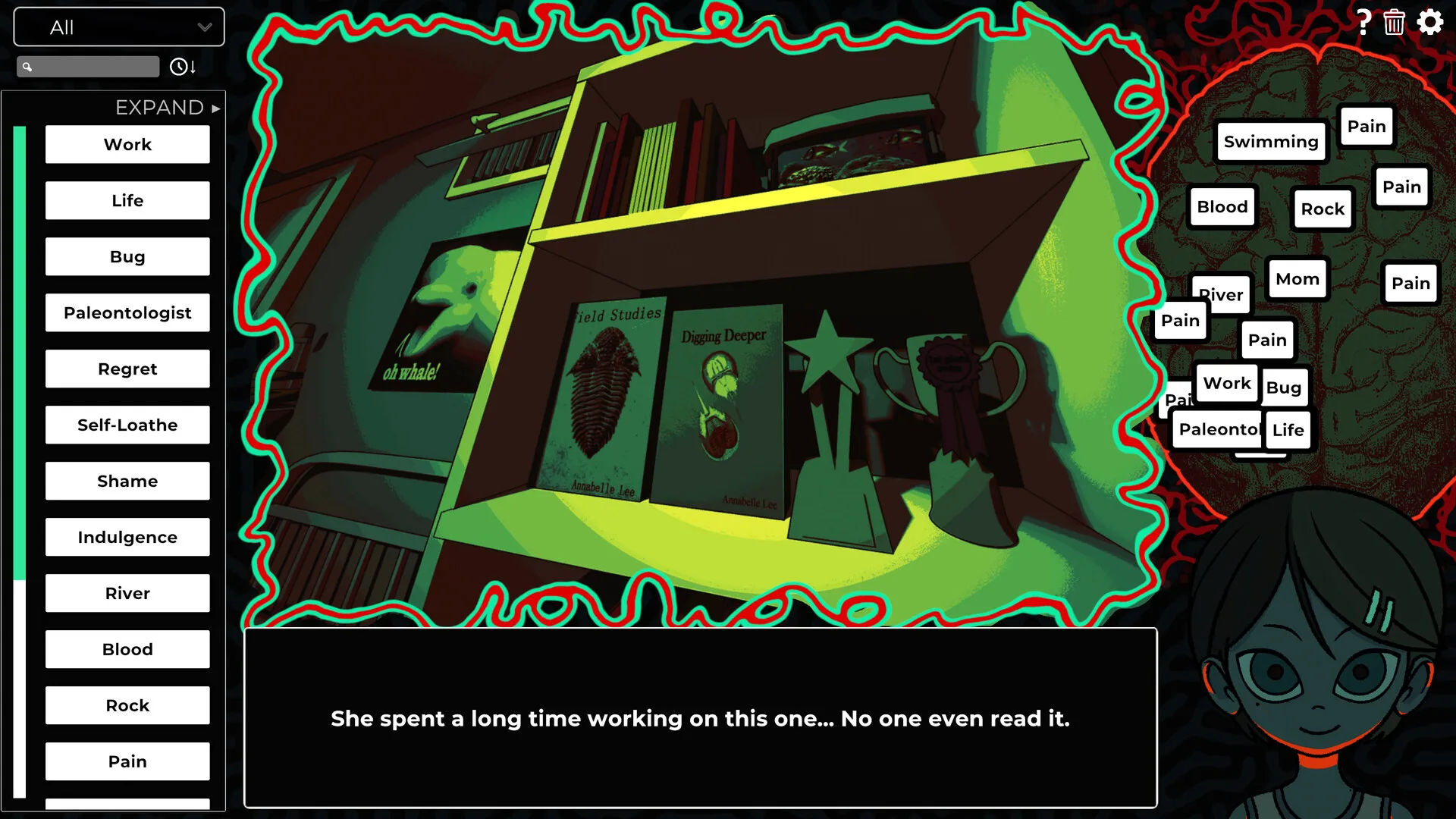
The game is a 2D, point-and-click narrative experience. The published minimum is an Intel Core i3-4150, 2 GB of RAM, Intel HD Graphics and 1 GB of storage. That is a light footprint by modern standards. It suggests the full game is built around layered 2D art, interface panels and dialogue rather than a real-time 3D engine.
“Runs on integrated graphics” does not guarantee identical performance on every Intel HD chip. The generation of the integrated GPU matters, as do display resolution and background applications. If your machine is a low-power laptop with 2 GB of RAM, expect Windows itself to be the limiting factor rather than the game alone.
Can my computer run it?
We cannot offer a personalised compatibility guarantee without the final build. Use this checklist:
- You are on a 64-bit Windows 10 or later system.
- You have at least 2 GB of RAM, though 4 GB or more is more comfortable for Windows 10.
- Your integrated or discrete GPU is at least in the same class as Intel HD Graphics.
- You have more than 1 GB of free storage after system overhead.
- You can use a mouse or touchpad for dragging words between interface areas.
Mac support is still unclear
A Mac demo build was added in March 2025. The demo page even lists macOS 10.9, a 2.66 GHz Intel Core 2 Duo, 2 GB of RAM and 1 GB of storage as its minimum. A June 2026 press listing also described the game as coming to Windows and Mac.
However, the current full-game Steam page marks only Windows as supported. That is the most recent first-party signal we have. Treat the full release as a PC game until HO! Games or Valve adds macOS to the platform list.
If Mac support matters to you, do not pre-order or buy around an old demo build. Wait for the store listing to show the Apple icon at launch.
Steam Deck and controller status
Am I Nima has no official Steam Deck rating in the sources we checked. A 2025 preview reported that the interface did not line up correctly on Deck at the time. The game’s core interaction is dragging words, so an unverified control layout matters more than raw performance.
We will not claim “Steam Deck verified” or “playable” until Valve publishes that rating. If portable play is a priority, test the free demo on your Deck first if it is compatible with your current SteamOS setup.
Demo requirements vs launch build
The demo and full game share the same general Windows minimum. The demo page includes the “requires a 64-bit processor and operating system” line; the full page currently lists Windows 10 but not a separate 64-bit line. This is likely a store-page formatting difference, not evidence of a 32-bit release. We do not recommend 32-bit Windows for any modern Steam game.
Demo performance is not a guarantee of full-game performance. The demo is a single vertical slice; later chapters may add more objects, effects and audio. We have no evidence of a major change in technical scope.
Before you buy or install
- Confirm the release date and platform on the Steam page, not a third-party key shop.
- Check your drive space; 1 GB is the minimum, not a comfortable working buffer.
- Use a mouse for the word-dragging interface.
- Try the free demo first if your hardware is borderline.
- If you need Mac support, wait for an official platform update.
Sources
- Am I Nima on Steam — minimum Windows requirements, accessed November 6, 2026.
- Am I Nima Demo on Steam — macOS demo minimum and 64-bit note.
- HO! Games, Demo Update 1.00.03, March 3, 2025 — Mac build added.
- Quest Daily preview, June 11, 2025 — Steam Deck UI caveat.